Tags
Tags are keywords attached to posts. Where categories are the main sections of the blog, tags are lighter and more numerous. They appear as labels under each post, and clicking one lists every post that shares it.
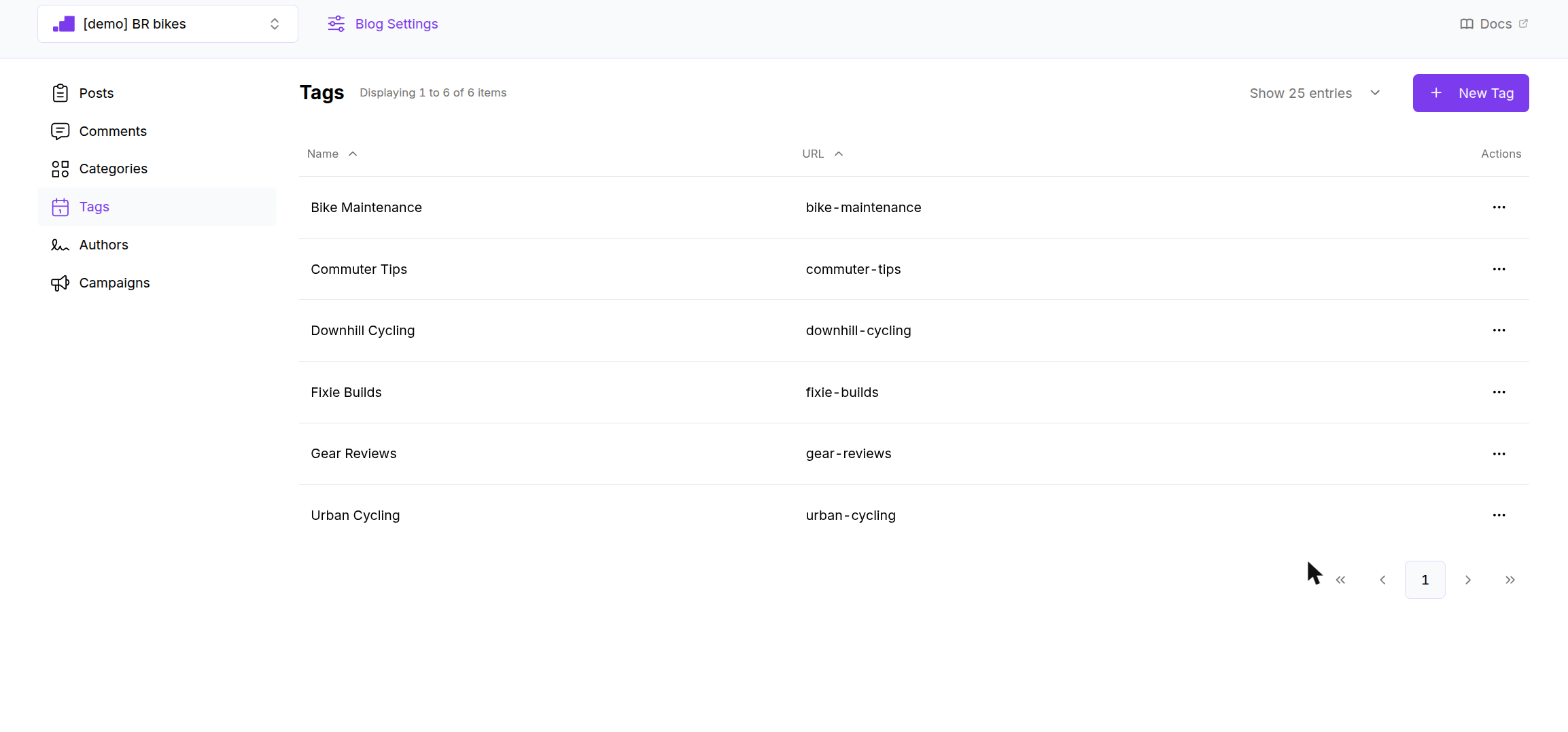
The list shows the active tags of the selected blog with their name and URL. Both columns sort. Click a row to edit, or use the ⋯ menu for Edit and Remove.
Creating a tag

Click New Tag. A panel slides in from the right.
| Field | Required | Rules | Notes |
|---|---|---|---|
| Name | Yes | Up to 100 characters | The label shown under posts and the "Tagged as Name" heading of the tag page. |
| Path | Yes | Lowercase letters, numbers and hyphens, up to 100 characters | The last segment of the tag URL: /<blog>/<tag-path>/<path>. Filled from the name until you edit it. |
| Addition to Head | No | Free text | Raw HTML added to the <head> of the tag page. |
Click Create. The panel closes and the list refreshes.
You can also create a tag from inside a post with + Add new Tag.
Removing a tag
Remove deactivates the tag immediately, without a confirmation dialog.
- Posts keep the tag, but the site stops showing it under the post.
- The tag page still lists the posts, with the blog name as heading instead of "Tagged as …".
Rules to know
- Tag names and paths are not checked for uniqueness. Tag pages are looked up by path across all blogs, so keep tag paths unique across blogs too.
- Tag names double as the default Meta Keywords of a post that has none.
On the site
Tags appear as small labels at the end of the post content, right before the related items. The tag page uses the same cards and pagination as the blog home.