Categories
Categories group posts by subject. Every category used by a visible post is listed in the sidebar of the blog, and each category has its own page listing its posts. A post can belong to several categories.
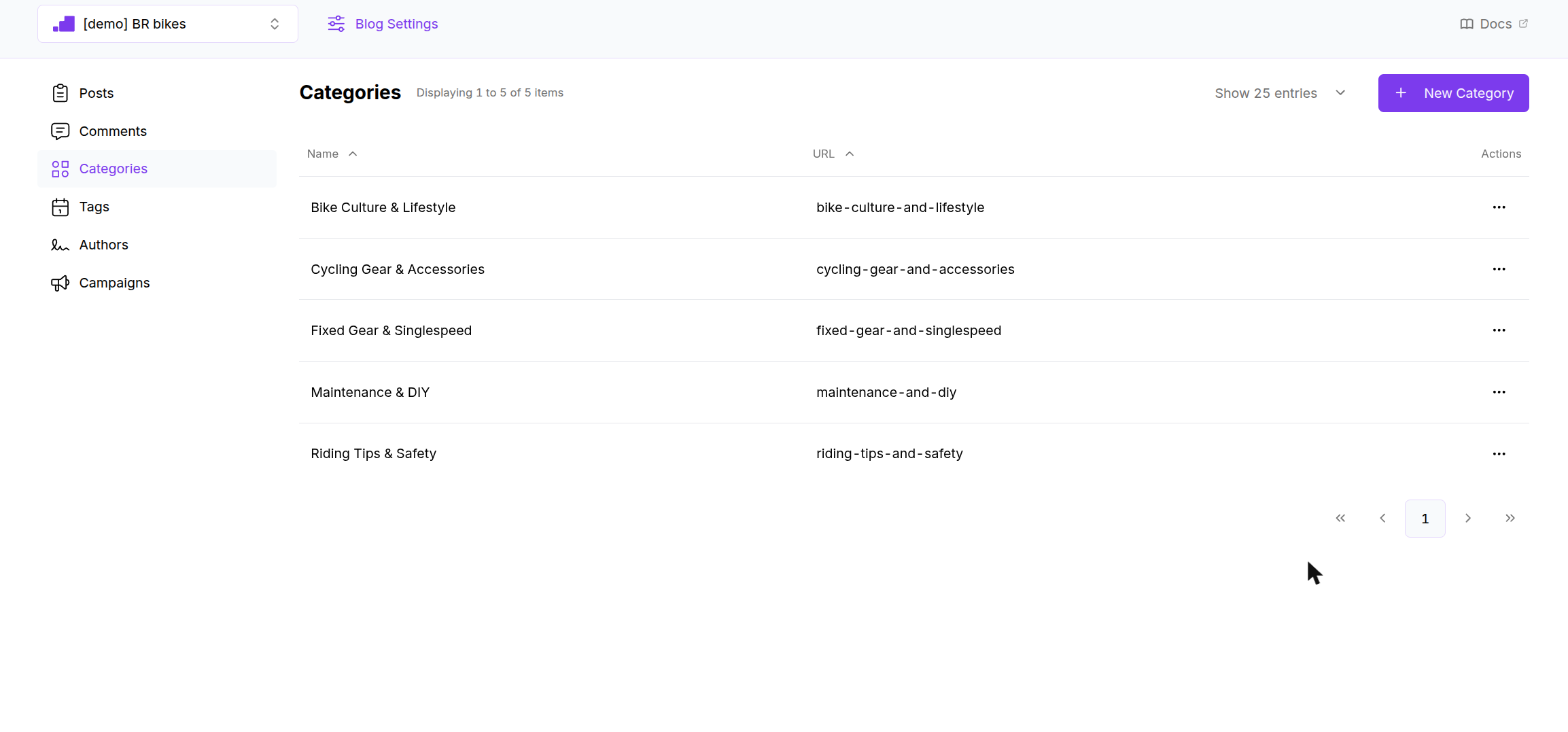
The list shows the active categories of the selected blog with their name and URL. Both columns sort. Click a row to edit, or use the ⋯ menu for Edit and Remove.
Creating a category
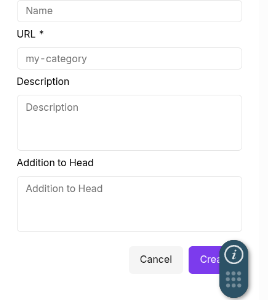
Click New Category. A panel slides in from the right.
| Field | Required | Rules | Notes |
|---|---|---|---|
| Name | Yes | Up to 100 characters | Shown in the sidebar, on the category page heading and in the breadcrumb. |
| URL | Yes | Lowercase letters, numbers and hyphens, up to 100 characters | The last segment of the category URL: /<blog>/<category-path>/<url>. Filled from the name until you edit it. |
| Description | No | Up to 300 characters | Shown under the heading on the category page. |
| Addition to Head | No | Free text | Raw HTML added to the <head> of the category page, for a tracking snippet or custom meta tag. |
Click Create. There is no confirmation toast, the panel closes and the list refreshes.
You can also create a category from inside a post with + Add new Category. It is attached to the post right away.
Removing a category
Remove, in the row menu or at the bottom of the edit panel, deactivates the category immediately, without a confirmation dialog.
- Posts keep the category. In the post form the removed category shows as an internal number until you take it off.
- On the site, a removed category that is still attached to visible posts keeps appearing in the sidebar and its page keeps working. Take it off the posts as well to hide it fully.
Rules to know
- Category names and URLs are not checked for uniqueness. Two categories with the same URL will conflict on the site.
- Posts with no category are grouped on the site under an automatic Uncategorized entry.
On the site
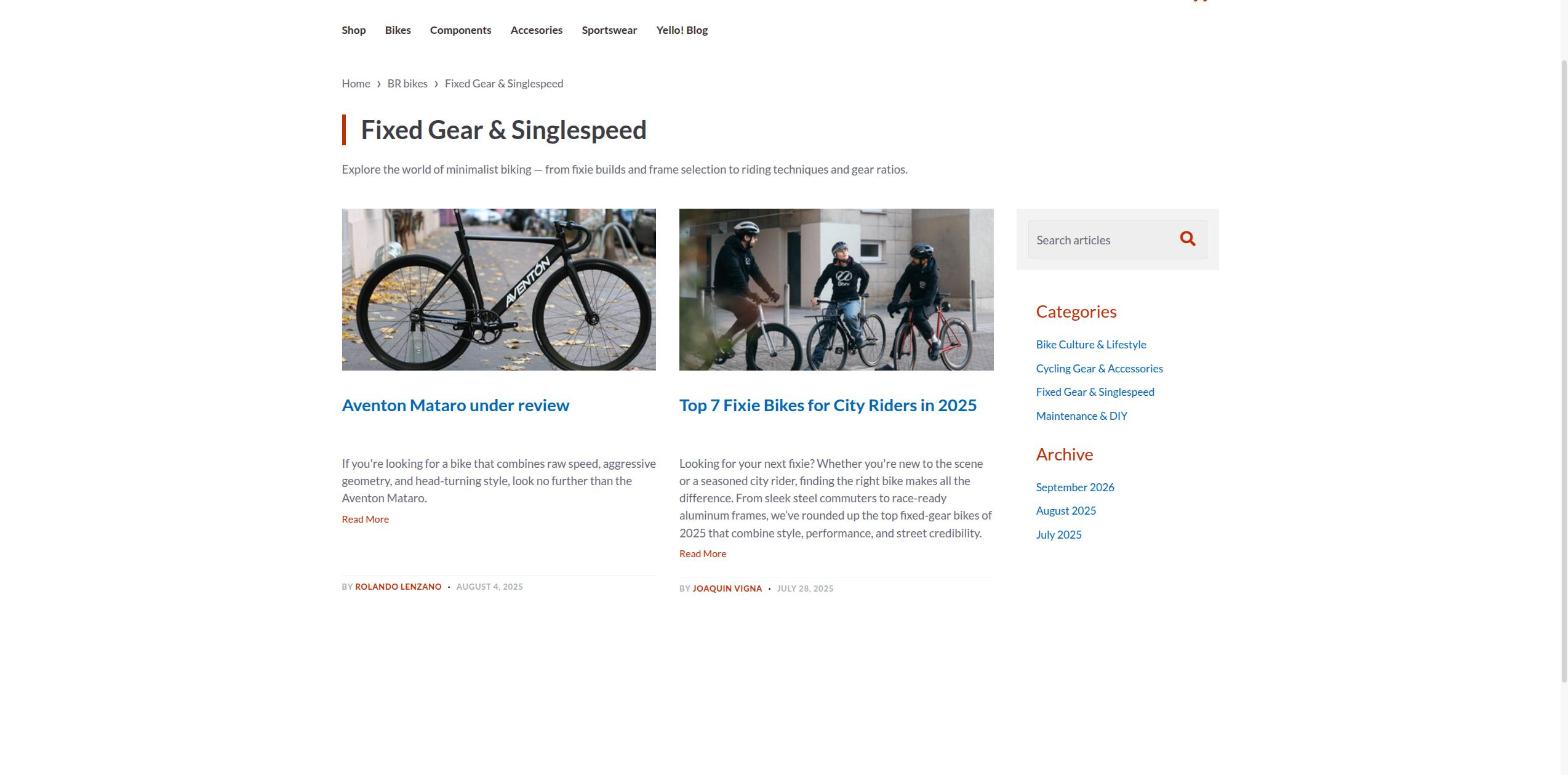
The category page shows the name, the description, and the posts of that category with the same cards and pagination as the blog home. The sidebar lists every category with visible posts.